

Introduction
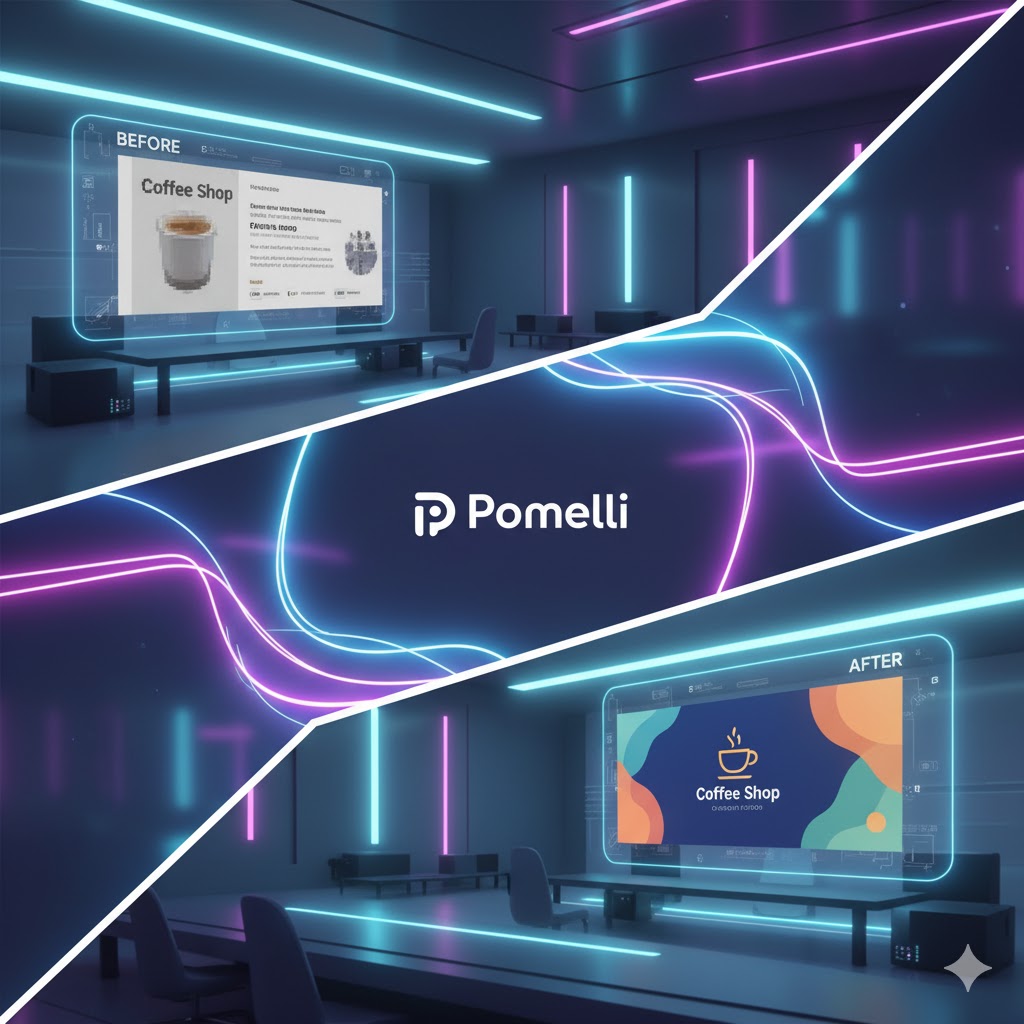
Marketing used to rely heavily on creative agencies, manual brainstorming, and countless design revisions. But the advertising landscape is evolving fast — and Google Pomelli is at the heart of this transformation.
Introduced through Google Labs, Pomelli is an AI-powered brand assistant that helps small and medium-sized businesses create ready-to-launch digital campaigns with almost no design experience required. It analyzes your website, identifies your unique brand “DNA”, and uses AI to generate professional-grade ad visuals and copy.
In essence, Pomelli is like hiring a creative team that works 24/7 — powered by Google’s AI and design tools. For startups and marketing beginners, it’s a chance to compete with larger brands by automating the most time-consuming creative steps.

🧠 What Is Google Pomelli?
Google Pomelli is a new experimental project under Google Labs, designed to make creative advertising accessible to everyone. Instead of spending hours crafting ad designs and writing captions, Pomelli uses AI and machine learning to instantly generate social media posts, banner ads, taglines, and visual assets aligned with your brand style.
It does this through an advanced model that scans your website and constructs a personalized profile — your Business DNA — capturing tone, colors, images, and typography. Once that’s done, Pomelli generates ideas, creative variations, and editable ad campaigns that look like they came from a top-tier marketing studio.
🚀 Why Pomelli Is a Game-Changer for AI-Generated Ads
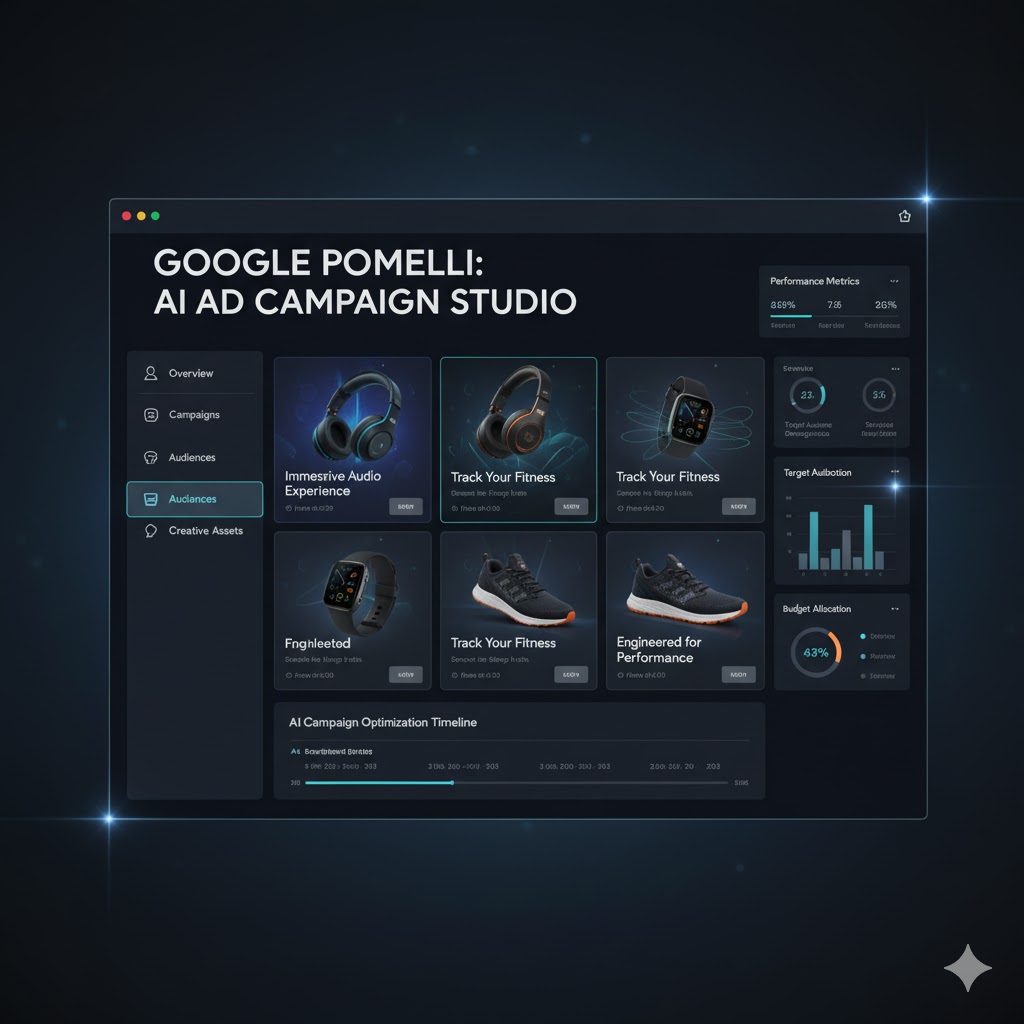
Pomelli goes beyond simple AI tools like text-to-image generators. It bridges creativity, analytics, and automation — all in one clean interface.
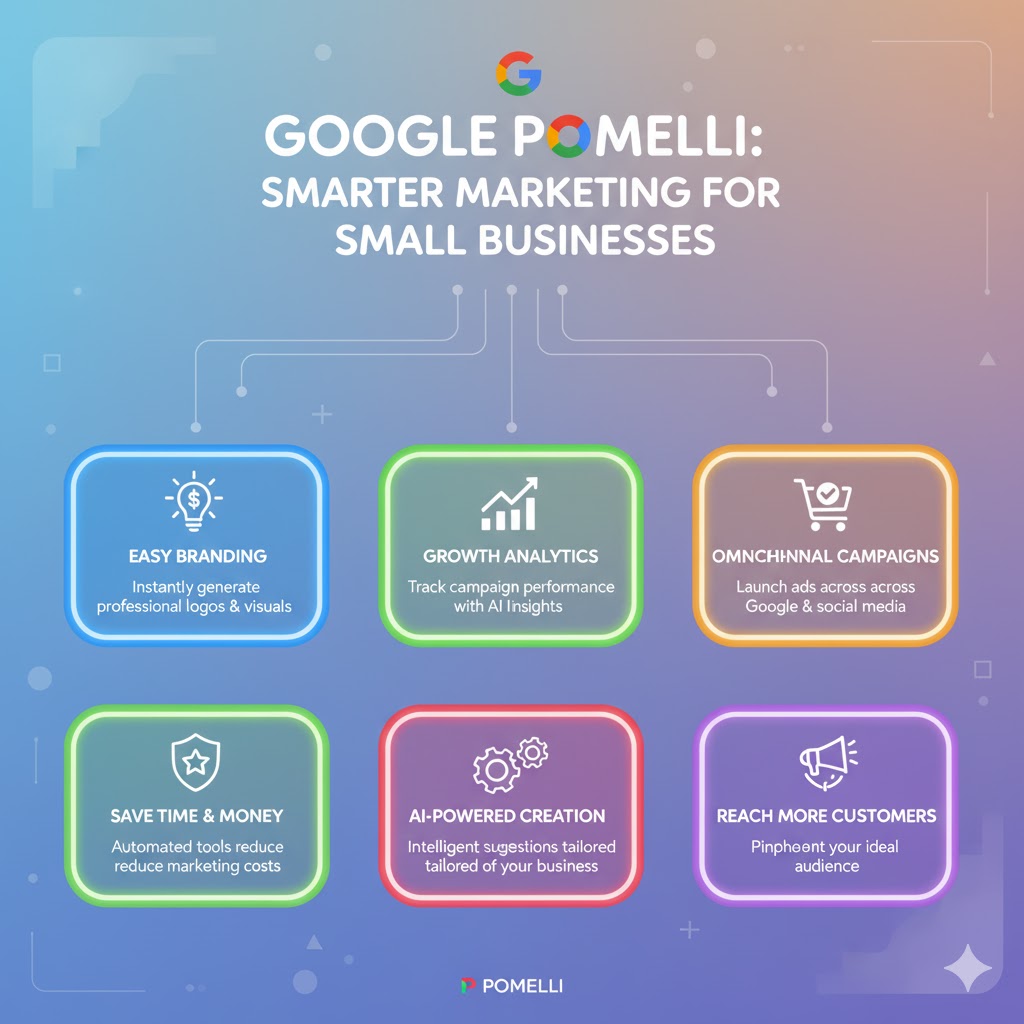
Here’s why marketers are paying attention:
- ⚡ Speed: Turn a blank idea into polished ad assets in minutes.
- 🎯 Consistency: All generated materials follow your brand’s look and tone.
- 💡 Accessibility: Designed for entrepreneurs and non-designers.
- 📈 Scalability: Easily create ad variants for different campaigns or audiences.
- 🌍 Inclusivity: Helps small businesses compete globally with professional branding.
Read More: China Influencer Law 2025: Best Degree-Holders Expert Can Talk
🪄 How to Use Google Pomelli in 5 Easy Steps
Step 1 – Access Google Pomelli via Google Labs
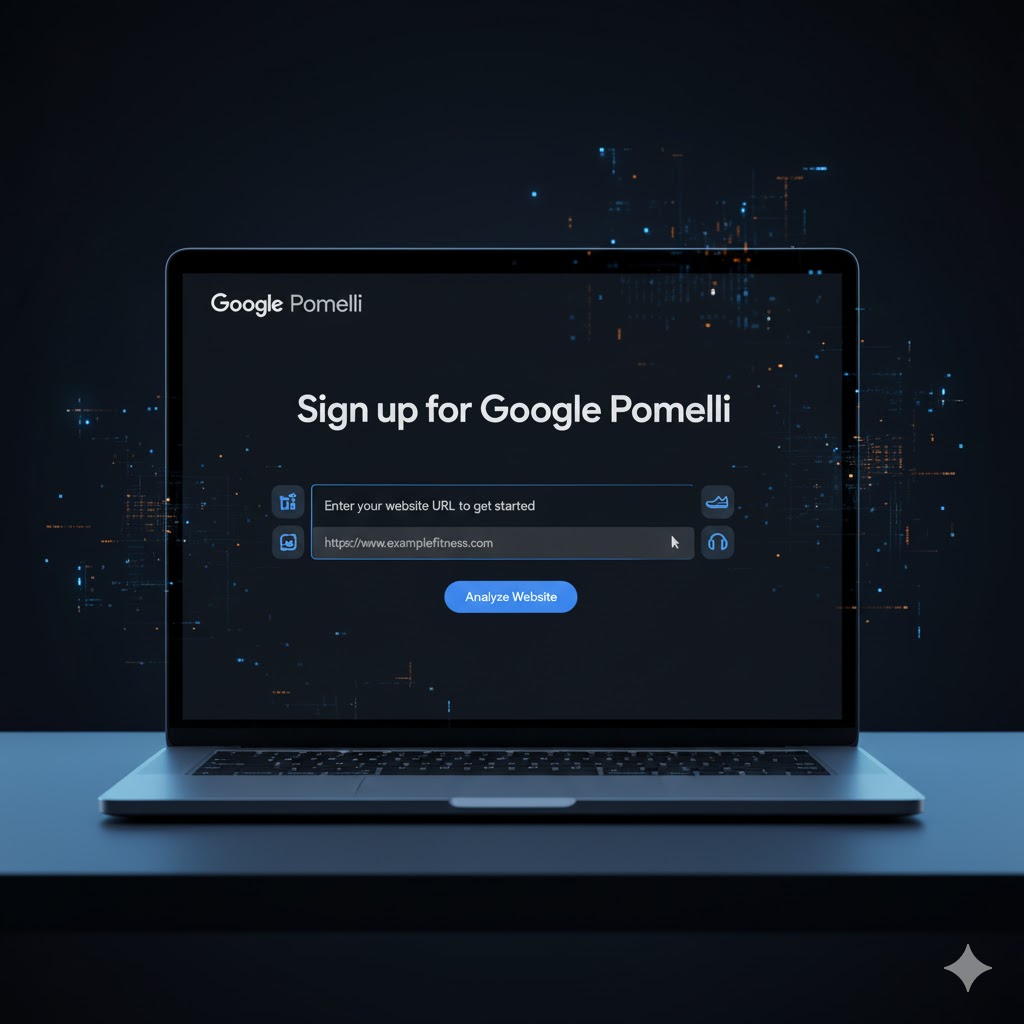
Visit the official Pomelli page on Google Labs. Click “Try It Now” and sign in with your Google account. You’ll be prompted to enter your business website or brand URL.
Pomelli scans your website, analyzing everything from tone to visuals. This analysis helps it learn who you are and what your brand represents.
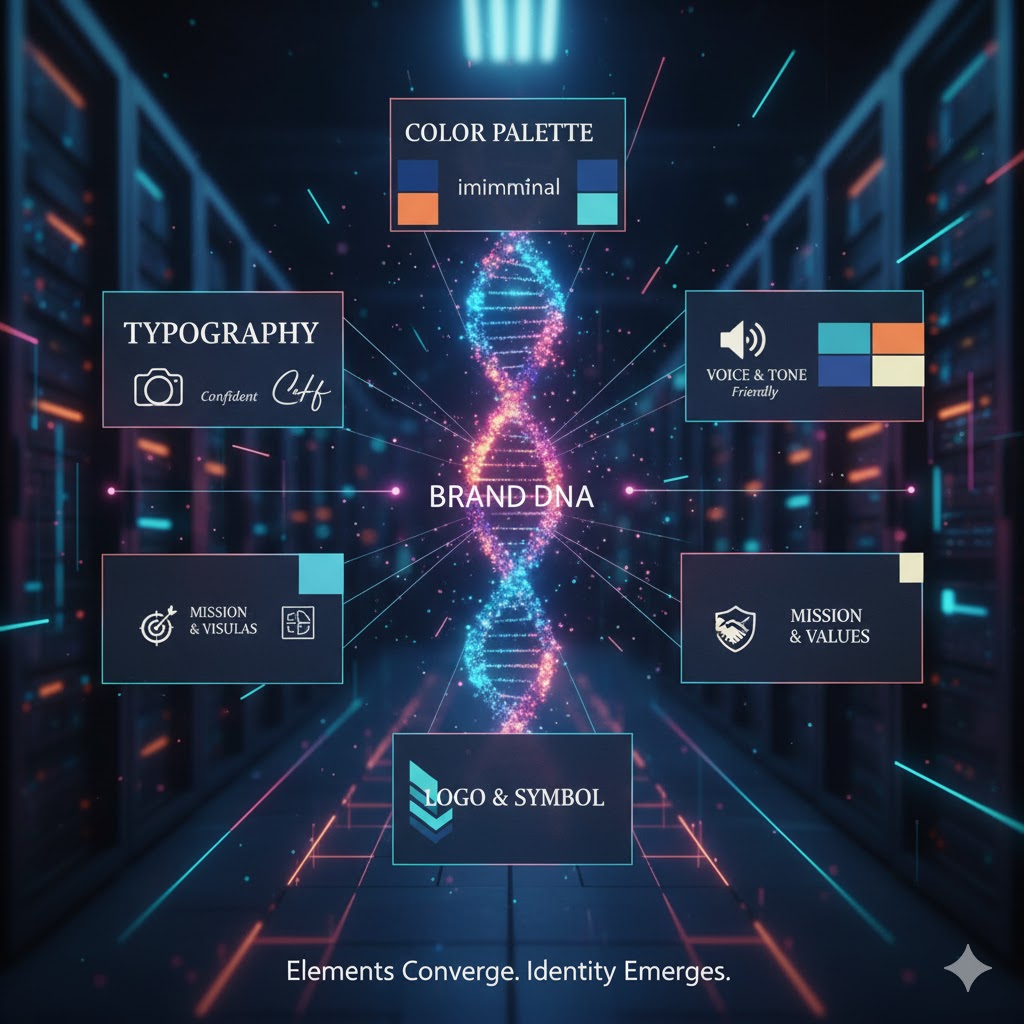
Step 2 – Build Your “Business DNA”
Pomelli automatically extracts your website’s colours, fonts, logo elements, imagery, and writing tone to build your Business DNA.
Think of it as a digital mirror of your brand — your creative fingerprint.
Once your DNA is ready, Pomelli can instantly apply it to every generated campaign.
Step 3 – Generate Campaign Ideas
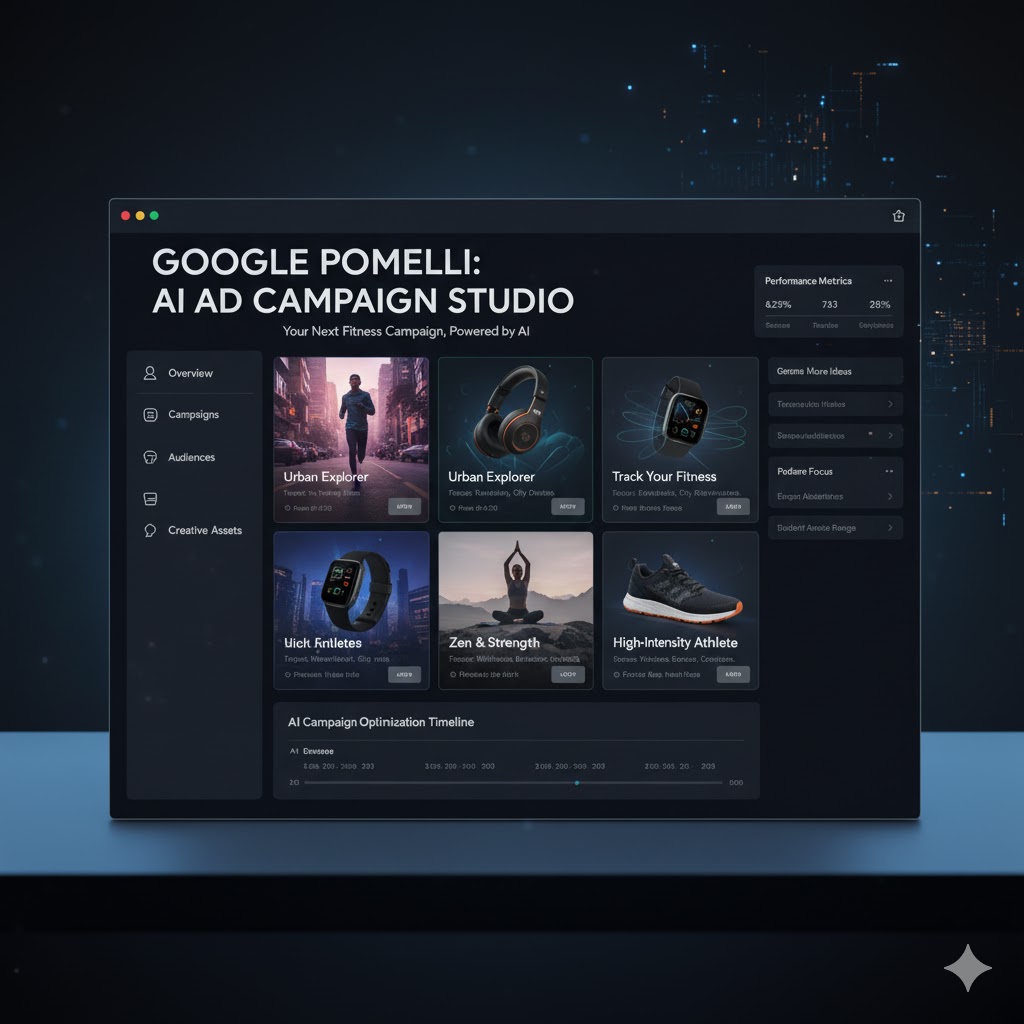
After setting up your DNA, Pomelli presents several custom campaign ideas. You can select one or simply type a prompt, such as:
“Promote a summer sale for organic skincare”
The AI instantly returns concepts with catchy headlines, matching visuals, and platform-specific ad suggestions (Instagram, Google Display, Facebook, etc.).
Step 4 – Edit and Refine the AI-Generated Assets
Once the campaign is generated, you can review editable versions of ads — including image layouts, taglines, and text overlays.
Pomelli integrates seamlessly with Google’s design ecosystem (like Canva-style editing tools). You can tweak colour tones, adjust text, or add a call-to-action button before downloading.

Step 5 – Export and Launch Your Ads
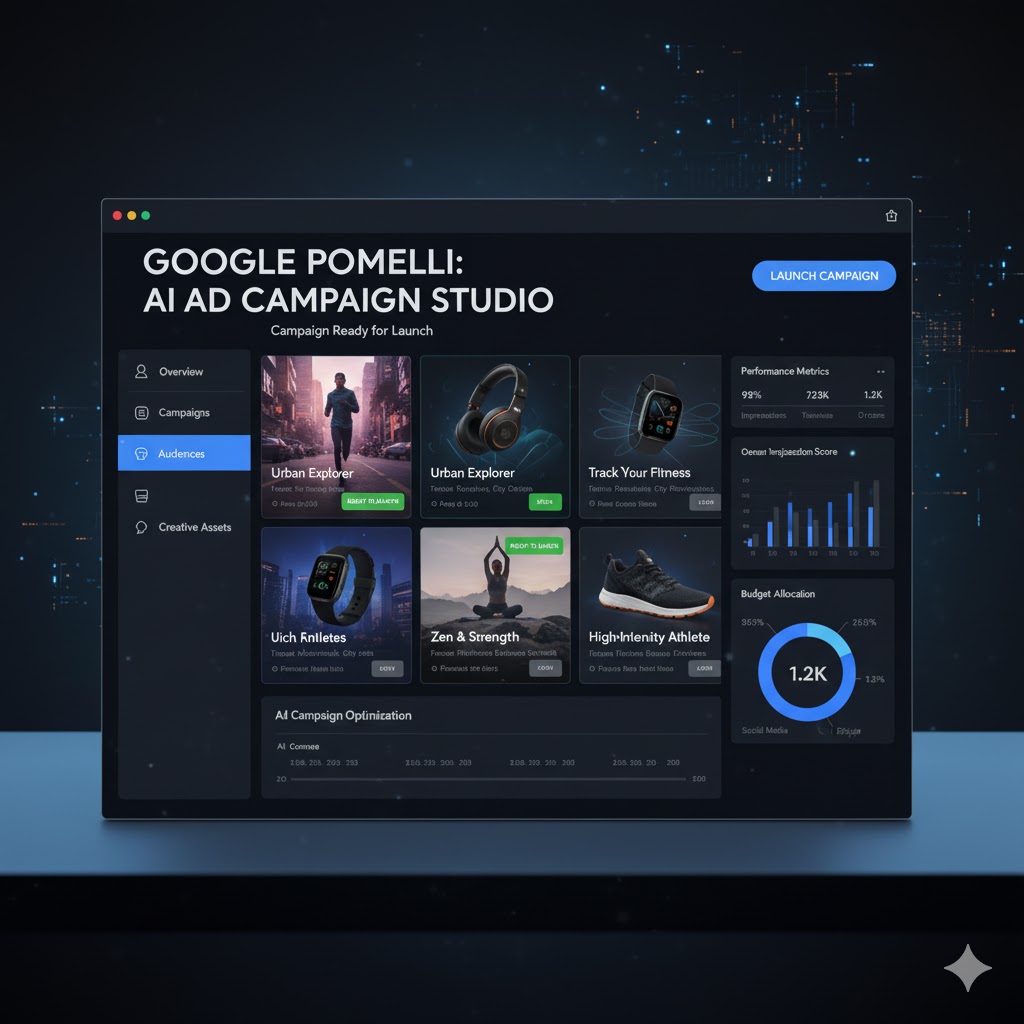
After finalizing the creative, Pomelli allows you to download the assets or directly connect them to Google Ads and social media campaigns.
Before launching, check your targeting options, campaign budgets, and key metrics such as CTR (click-through rate), conversions, and audience reach.
💡 Pro Tips for Beginners
- Start with a strong website. The better your content and visuals, the smarter Pomelli’s brand analysis.
- Edit AI output. Always humanize AI text — tweak tone, humor, or local context.
- Experiment with prompts. Try multiple campaign prompts to see diverse results.
- Localize your ads. Customize for different audiences (e.g., English + Urdu or Arabic).
- Monitor results. Use Google Analytics and Ads dashboards to measure performance.
- Stay ethical. Avoid over-promising — ensure your AI-generated content remains transparent and fact-based.
⚠️ Common Mistakes to Avoid
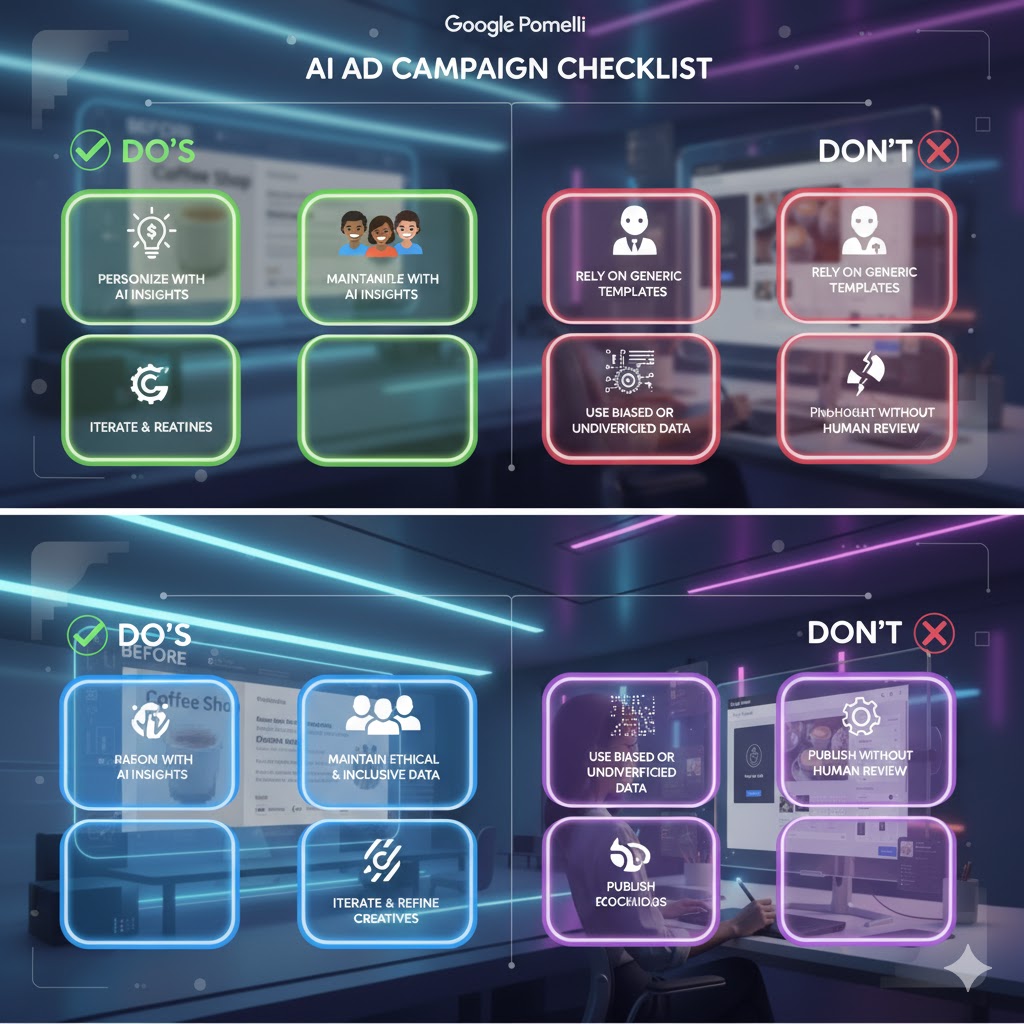
- Over-automation: Don’t let AI decide everything — add your brand’s voice.
- Skipping proofreading: AI copy may contain phrasing errors or tone inconsistencies.
- Ignoring mobile design: Always preview ads on both desktop and mobile.
- Lack of testing: Run A/B tests between human-written and AI-generated versions.
- Inconsistent messaging: Ensure your campaigns align with your main marketing goals.
🌍 Pomelli and the Future of AI Advertising
Google Pomelli represents the next stage of creative democratization. As AI merges with advertising, we’re entering a world where businesses of any size can create data-driven, visually stunning campaigns in real time.
This innovation is more than a convenience — it’s a shift in creative culture. Instead of spending 80% of time creating content, marketers can now focus 80% on strategy, testing, and storytelling.

From Concept to Campaign: How Pomelli Transforms Marketing in 2025
🏢 1. Real-World Examples: Small Brands Winning Big with Pomelli
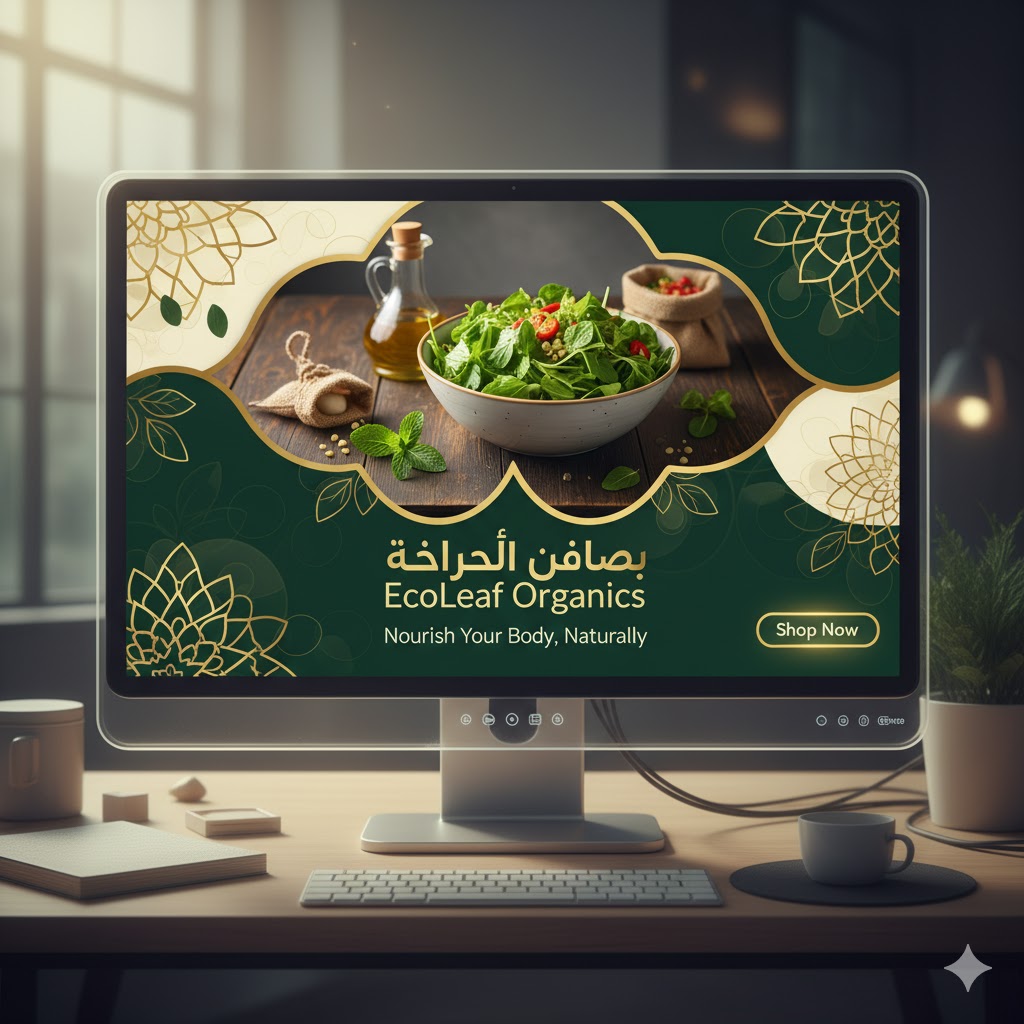
Example 1: EcoLeaf Organics (Dubai)
EcoLeaf, a UAE-based skincare startup, used Pomelli to generate its Ramadan campaign. The AI created themed visuals showing golden moonlight and desert-inspired textures, paired with the tagline “Glow Naturally this Ramadan.” The team saved two weeks of design time and achieved a 22% CTR increase on Google Ads.
Example 2: Café Harbor (Mumbai)
This boutique coffee shop leveraged Pomelli to craft Instagram-first ads showcasing latte art videos with captions generated by AI. The posts tripled their engagement within the first month.

Example 3: Travel Vibe Pakistan
An adventure agency used Pomelli to launch its “Discover Hunza Valley” campaign. The AI generated scenic banners and local-tone taglines in both English & Urdu, helping the agency attract 35% more bookings from Karachi.

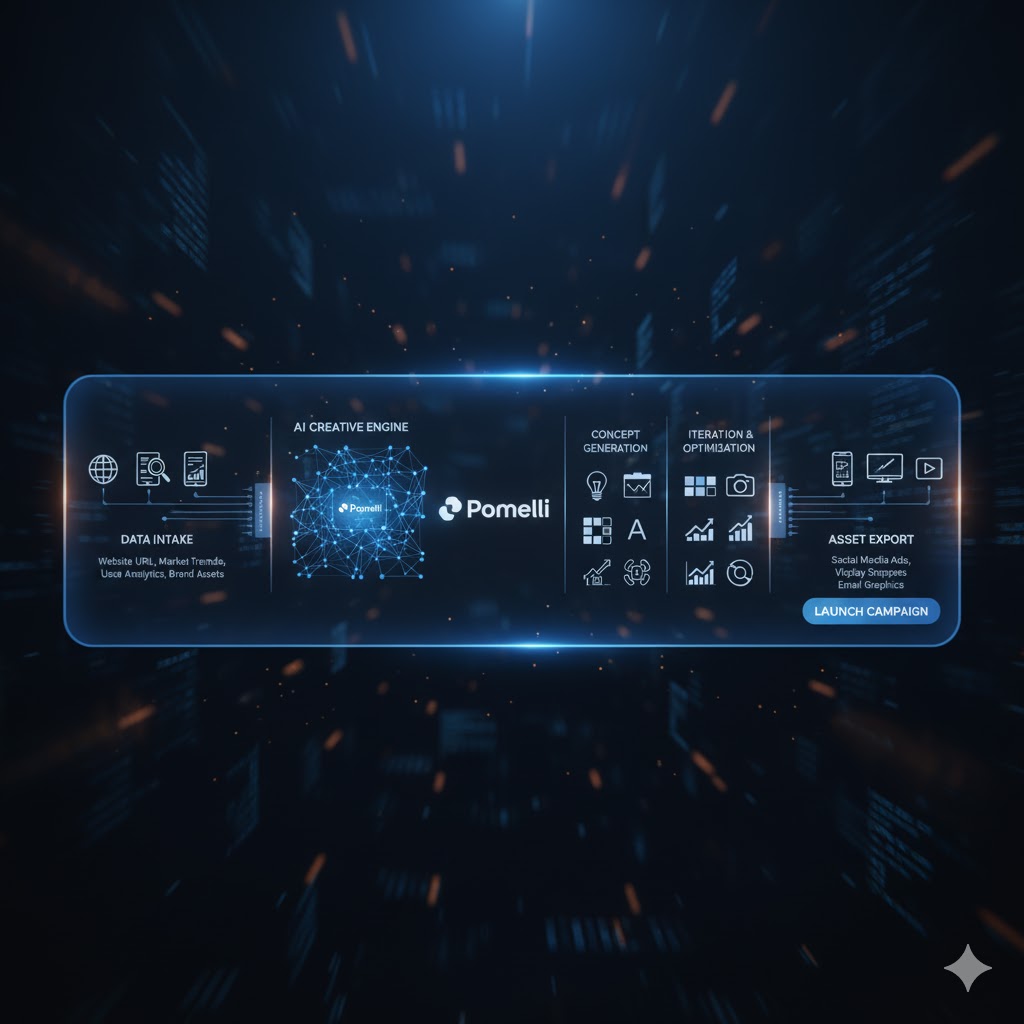
💼 2. Inside the Creative Workflow: What Pomelli Actually Does
- Collects Brand Data – Pomelli analyses logos, colors, typography, and content tone from your site.
- Generates Ad Concepts – Using your “DNA,” the AI suggests campaign slogans, hashtags, and imagery directions.
- Designs Assets – Creates banners, reels, and ad copies tailored for platforms (YouTube Shorts, Facebook, Instagram, Google Display).
- Predicts Performance – Each idea includes a predicted engagement score based on Google Ads benchmarks.
- Delivers Exportable Files – You can download PSD, JPG, MP4, or push directly to Ads Manager.
📊 3. Performance and Analytics — How to Measure Pomelli Success
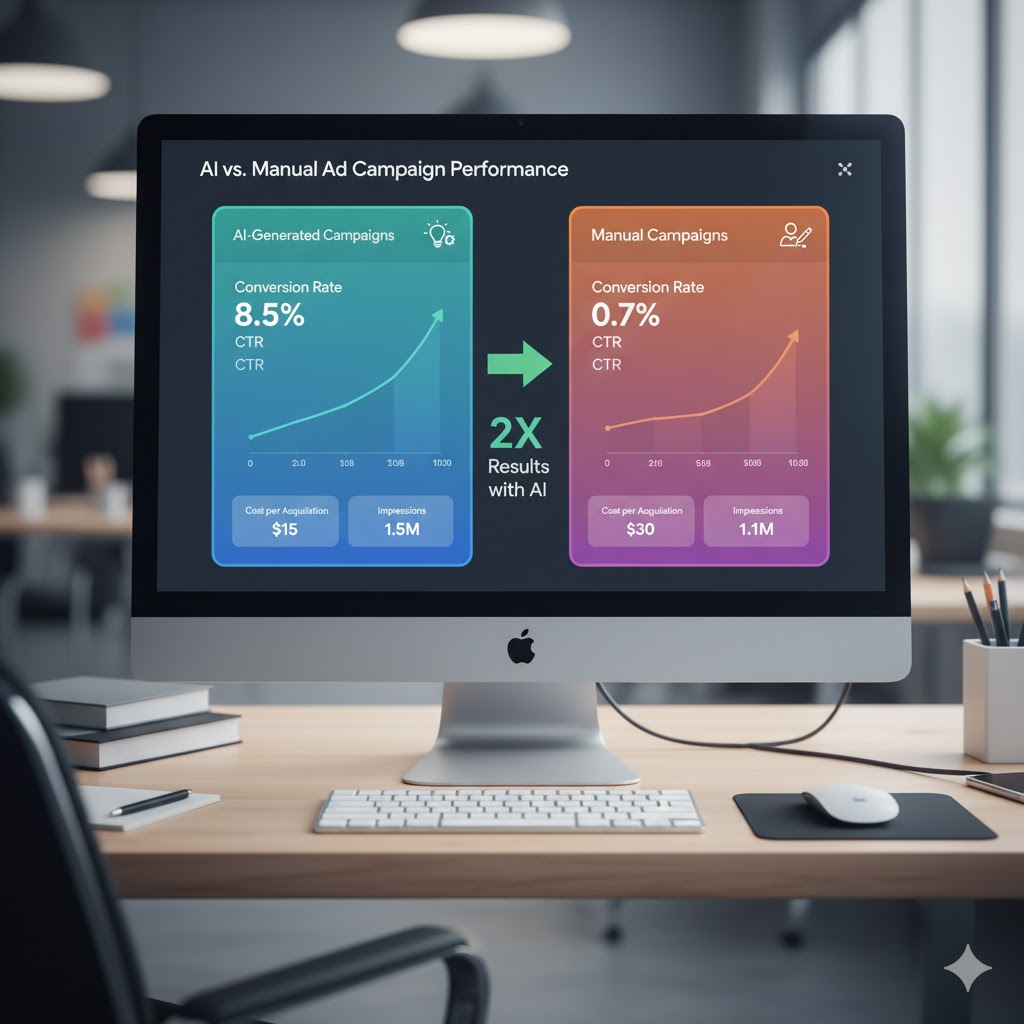
To make your AI-generated ads perform better:
- Integrate Google Analytics 4 (GA4): Track conversion, bounce, and engagement metrics.
- Set Up UTM Tags: Use UTM parameters on each Pomelli-generated ad to monitor performance.
- Compare AI vs Manual Ads: Run A/B tests for headlines, visuals, and CTAs.
- Review CTR Benchmarks: Aim for 1.5–2.5% CTR on display ads and above 3% on social.
⚙️ 4. Pomelli Integration with Google’s Ecosystem
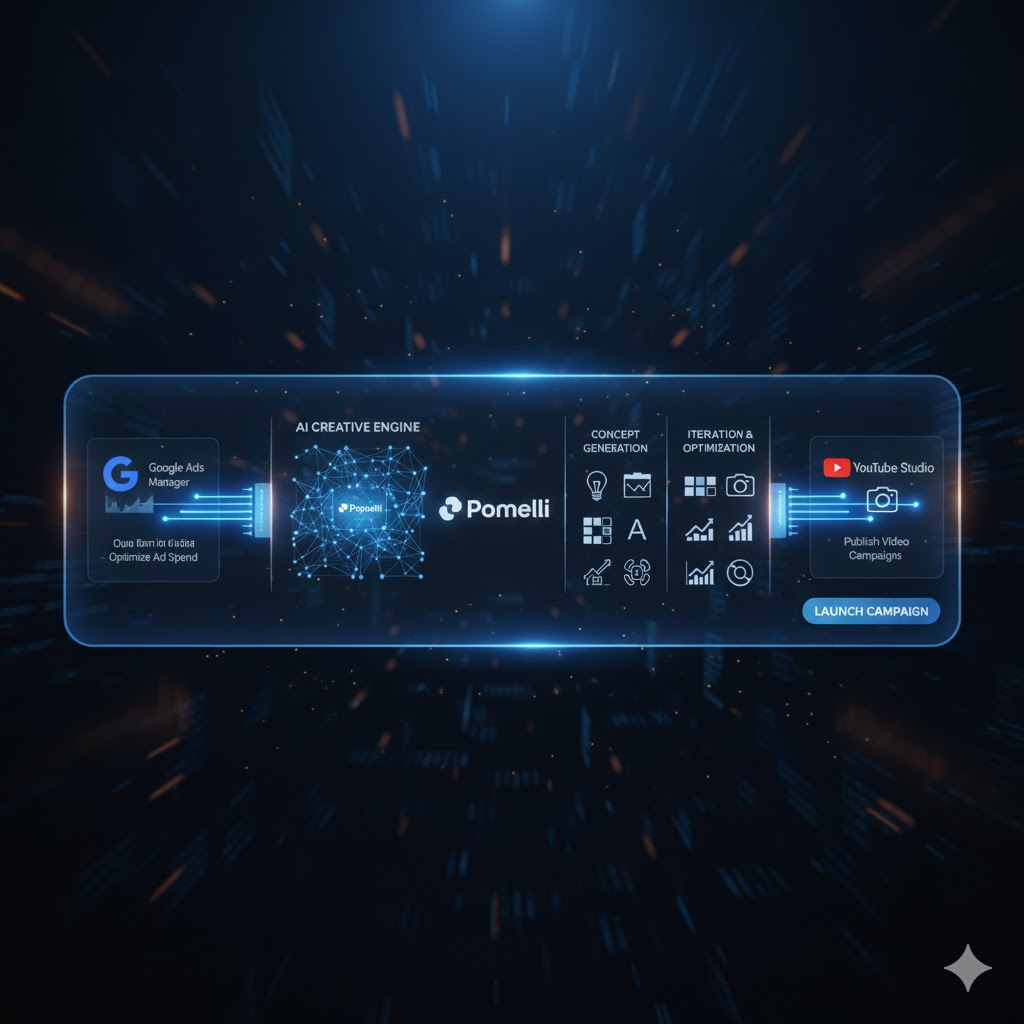
Google’s new AI suite makes Pomelli compatible with tools you already use:
- Google Ads Manager: Upload generated creatives in one click.
- Google Drive / Workspace: Store or share campaign assets.
- YouTube Studio: Convert Pomelli visuals into short-form ads.
- Google Merchant Center: Sync product data for dynamic ads.
🧩 5. Google Pomelli Pro Tips
- Tips #1 – Voice Consistency: Pomelli learns your tone—keep it uniform across site, blog, and ads.
- Tips #2 – Seasonal Themes: Add prompts like “Winter Sale 2025” or “Ramadan Offer” for auto-themed outputs.
- Tips #3 – Multi-Language Testing: Soon, Pomelli will support Urdu and Arabic—use early access to localize content.
- Tips #4 – Team Collaboration: Share campaigns with your team directly via Workspace for review.

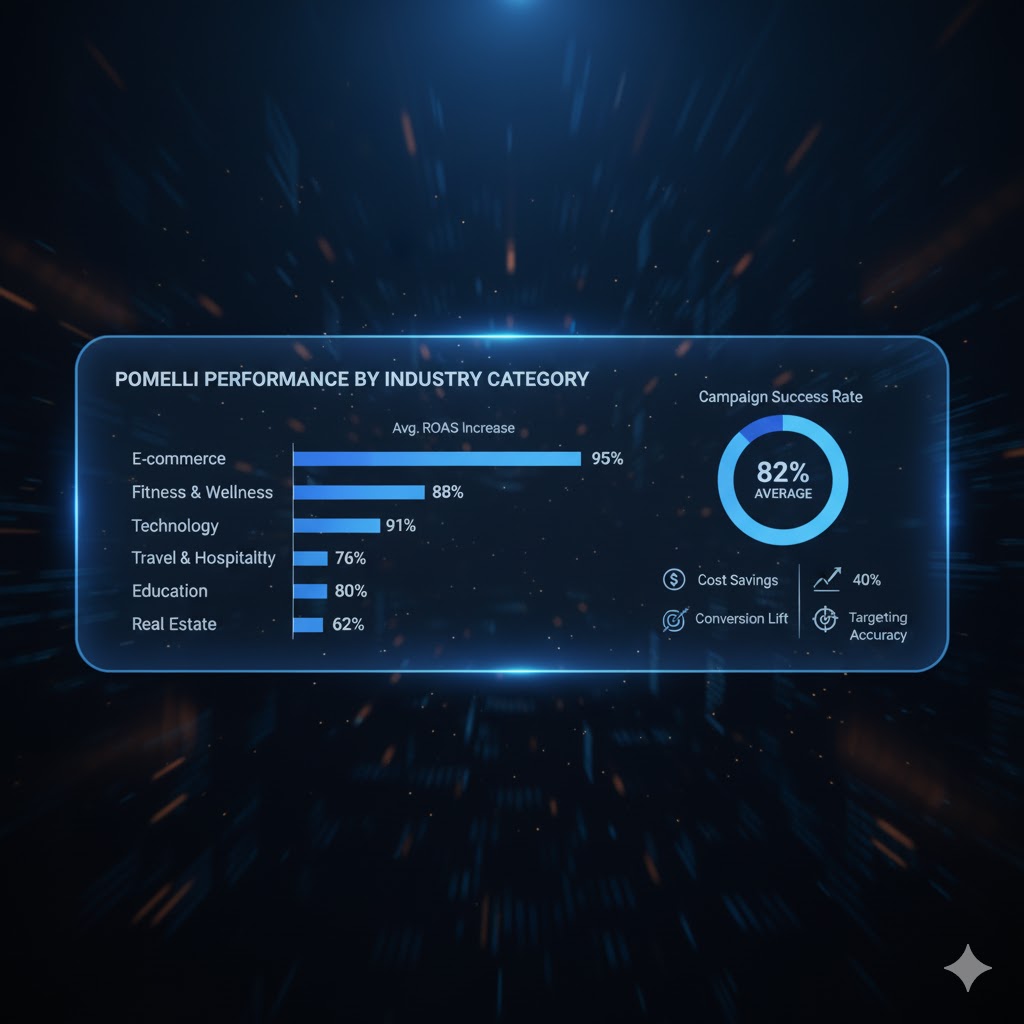
🍽️ 6. Pomelli for Different Industries
| Industry | Sample Use | Expected Result |
|---|---|---|
| Retail E-commerce | AI-generated product ads with pricing graphics | +20% CTR |
| Hospitality | Localized hotel promotions with seasonal backdrops | +35% booking clicks |
| Education | University campaigns targeting international students | +25% lead rate |
| Fashion | Auto-styled lookbooks using Firefly integration | +40% engagement |
| Food & Beverage | Menu promotions with auto-animated reels | +60% social reach |
⏰ 7. Best Time to Use Pomelli for Ad Creation
| Goal | Ideal Time to Generate Campaigns |
|---|---|
| Product Launch | 2 weeks before launch |
| Seasonal Sale | 3–4 weeks before event |
| Flash Deals | 1 day in advance |
| Awareness Campaign | Monthly batch creation |

🛡️ 8. Safety and Data Ethics
- Transparency: AI uses only public brand data; you control what’s shared.
- No Private Access: Pomelli doesn’t scrape confidential information.
- Human Oversight: Always approve AI copy before publishing.
- Google Compliance: All campaigns must meet Ad Policy and AI Use Standards.
🌎 9. Future Roadmap and Vision
Google’s roadmap for Pomelli includes:
- Deeper Integration with Gemini AI Models for creative insight generation.
- Cross-Platform Sync – TikTok and LinkedIn ad asset generation.
- Dynamic Video Campaigns – AI-edited product videos using Firefly & After Effects.
- Personalized Emotion AI – Ads adapting color/visual tone to viewer mood.

Unlocking the True Power of Google Labs’ Pomelli – From Setup to Strategy
Google Labs’ Pomelli AI is rapidly transforming how marketers create and test advertisements — not just generating copy but shaping entire ad strategies with intelligent insights. If you’ve followed Parts 1 and 2, you already understand how to access and generate AI-powered ads. Now, let’s go deeper into optimizing, testing, and scaling your campaigns using Pomelli’s most powerful features.
1. Understanding Pomelli’s Ad Optimization Engine
At its core, Pomelli is designed to analyze ad performance in real time. Once you publish an AI-generated ad through Google Ads, Pomelli monitors metrics such as click-through rates (CTR), conversion data, and audience engagement.
It then automatically suggests:
- Improved headline and CTA variations based on high-performing ads
- Audience segment adjustments
- Real-time budget allocation to maximize ROI
💡 Pro Tip: Allow Pomelli to collect at least 7 days of performance data before applying AI suggestions for more accurate insights.
2. A/B Testing with AI Precision
Pomelli simplifies A/B testing — the process of comparing two ad versions to see which performs better.
Here’s how to make it work:
- Create two versions of your ad using Pomelli’s “Variant Builder”.
- Define your goal — more clicks, conversions, or impressions.
- Let Pomelli run the test automatically and optimize toward the winner.
This eliminates guesswork and helps beginners learn advertising logic through data-backed recommendations.
3. Integrating Brand Voice and Custom Prompts
Many marketers worry that AI-generated content might sound robotic.
Pomelli solves this by allowing custom brand tone and prompt injection.
You can:
- Upload brand tone guides or previous ads as examples.
- Set mood parameters like “Playful,” “Inspirational,” or “Corporate.”
- Include key phrases or brand slogans that Pomelli must retain.
This ensures every AI-generated ad stays true to your brand identity, creating consistent and trust-building campaigns.
4. Budget Control and Smart Suggestions
Another beginner-friendly feature is Smart Spend Optimization.
Pomelli analyzes your ad spend and automatically reallocates funds to the best-performing audiences.
For instance:
If your Dubai-based audience converts 35% better than others, Pomelli will boost ad impressions there — without manual adjustment.
It also sends budget alerts if a campaign underperforms or exceeds your daily threshold.
Source: Google Ads Help – Budget Optimization Tools
5. Connecting Pomelli with Other Google Tools
To unlock full potential:
- Connect Pomelli with Google Analytics 4 (GA4) for performance tracking.
- Use Google Trends to identify keywords that Pomelli can integrate into your ads.
- Sync with YouTube Studio for video ad insights.
The synergy between these tools lets Pomelli act as a complete AI ad ecosystem, not just a generator.
6. Real-World Example: Small Business Case Study
Imagine a local clothing boutique in Lahore using Pomelli:
- They input a few product details and target audience info.
- Pomelli creates 3 ad versions highlighting summer fashion trends.
- After 10 days, Pomelli identifies one version outperforming others by 40% CTR.
- The system auto-optimizes budget and creates lookalike audiences.
End result: +62% more conversions in under two weeks — all automated.
7. Key Takeaways for Beginners
✅ Always review AI outputs before publishing.
✅ Use “Prompt Refinement” to guide ad tone and focus.
✅ Check Pomelli’s analytics weekly for new keyword opportunities.
✅ Test multiple visuals — AI performs best with diverse assets.
❓ Frequently Asked Questions (FAQs)
Q1. Is Google Pomelli free to use?
Pomelli is currently available in public beta through Google Labs. Access is free for limited use, but future premium tiers may offer advanced options.
Q2. How accurate is Pomelli’s branding analysis?
If your website has clear, consistent visuals and text, the AI’s results are remarkably accurate. For best results, clean up your homepage before scanning.
Q3. Can I export Pomelli’s assets to Google Ads directly?
Yes. The platform supports integration with Google Ads and other campaign management tools, allowing one-click uploads.
Q4. Does Pomelli support non-English content?
Currently, Pomelli supports English in select countries (U.S., Canada, Australia, New Zealand). Broader language support is expected in future updates.
Q5. How does Pomelli handle data privacy?
Google confirms that Pomelli analyzes only publicly available content from your website. Sensitive data is not accessed. Always review Google’s AI privacy statement before uploading assets.
Sources:
- Google Blog – Introducing Pomelli on Google Labs
- Future Week – Google Launches Pomelli AI Campaign Builder
- Medium – AI Marketing for Small Businesses with Pomelli
Expert AI Guide:
The advertising revolution has officially begun — and Google Pomelli stands at its forefront.
For businesses that once struggled with expensive creative agencies, Pomelli offers something truly democratic: AI-powered creativity with a human touch.
Whether you’re a freelancer, a start-up founder, or a marketing manager, Pomelli empowers you to produce stunning ad campaigns faster, smarter, and more affordably. As AI continues to evolve, tools like this will redefine how brands tell their stories.